I’ve always liked the idea of knowing what visits a bird feeder when nobody is standing there watching it.
You might see cardinals every morning before work, but what’s landing there at 11 a.m.?
What showed up while you were gone all weekend?
Was that unfamiliar little bird you caught for three seconds yesterday actually something interesting?
That’s where smart bird feeders have become genuinely useful instead of simply being another backyard gadget. Readers comparing this kind of equipment can browse our birding gear guides for more backyard birding products.
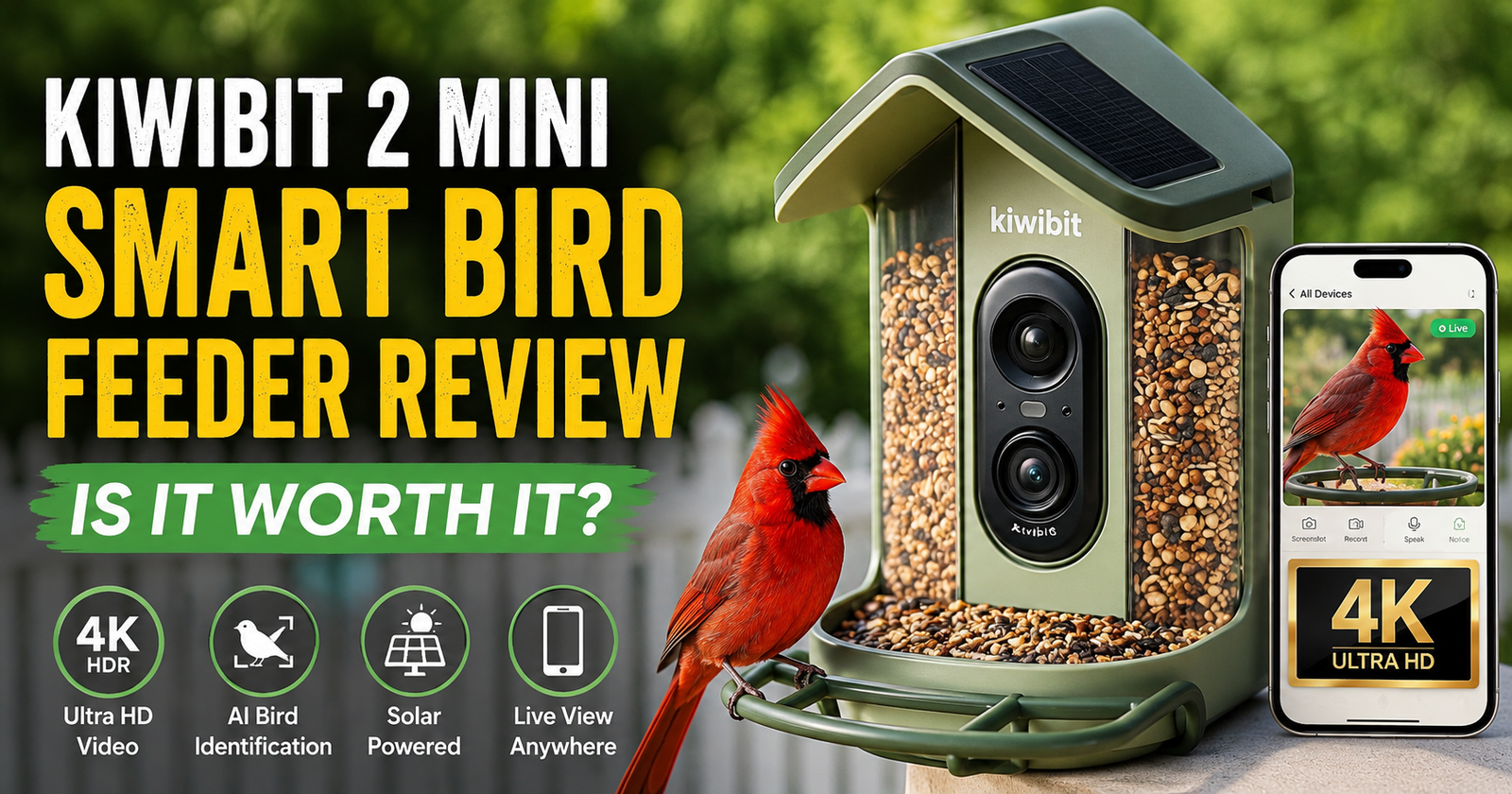
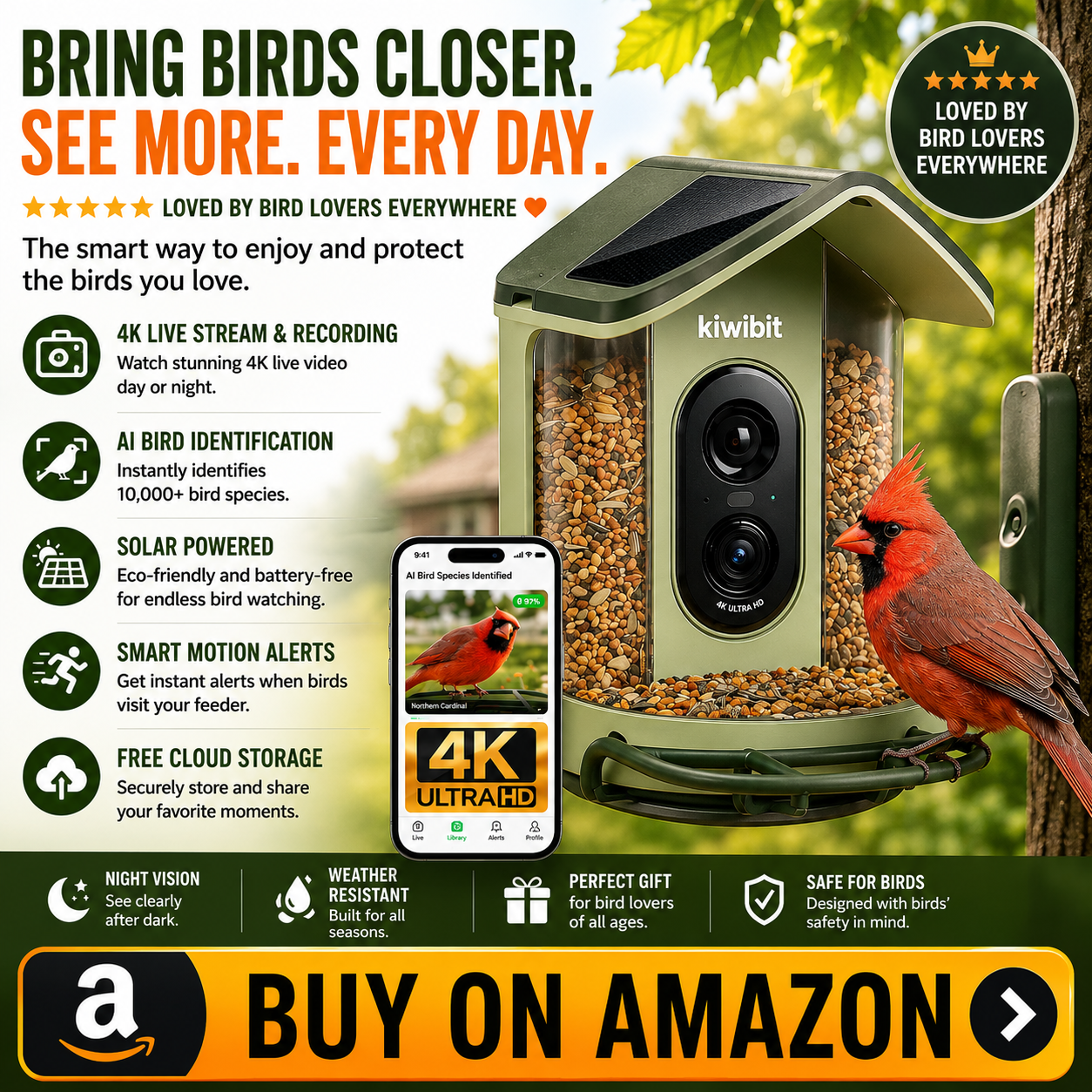
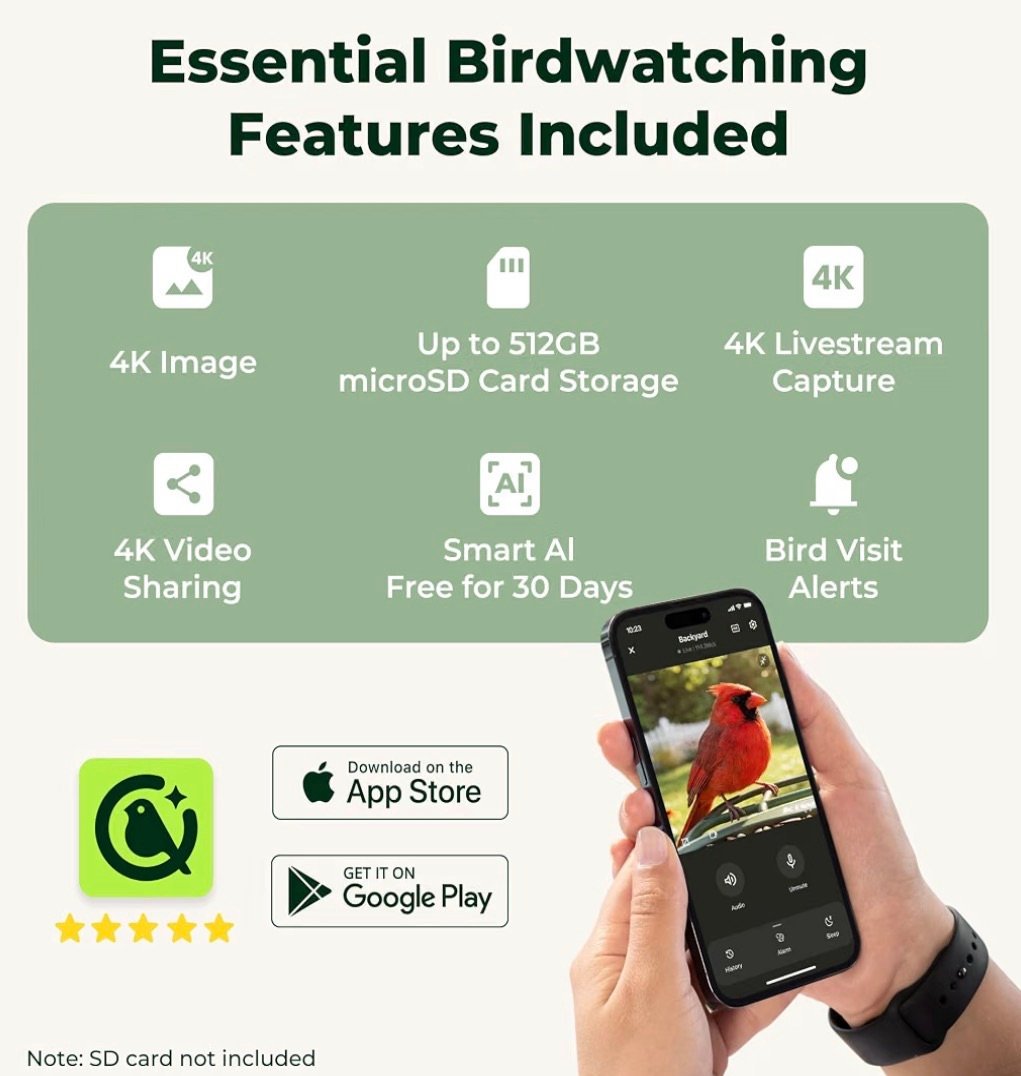
The Kiwibit Smart Bird Feeder 2 Mini combines a traditional seed feeder with a solar-powered camera system that can livestream birds in 4K, capture close-up photos and slow-motion video, send bird-visit alerts, and use AI to help identify species. Kiwibit says its identification system can recognize more than 10,000 bird species.
That’s a pretty impressive feature list for something that ultimately hangs outside holding birdseed.
But those specifications aren’t what would convince me to buy one.
What matters is whether those features make backyard birdwatching noticeably more fun and useful.
After digging through what this feeder offers, where I think it shines, and where I’d keep my expectations realistic, I can see a pretty specific type of bird lover absolutely loving this thing.
What Is the Kiwibit Smart Bird Feeder 2 Mini?
The easiest way to describe it is:
It’s basically a bird feeder and wildlife camera combined into one device.
Instead of setting up a normal feeder and watching it through binoculars, the camera sits right at the feeding area.
A bird lands practically in front of the lens.
The system can then capture the visit and let you watch from your phone.
The Mini model currently advertises true 4K UHD video with HDR, a wide-angle view, slow-motion recording, solar charging, weather resistance, app notifications, and AI-powered species identification.
That’s a completely different experience from traditional birdwatching.
You’re not replacing binoculars or sitting outside watching birds.
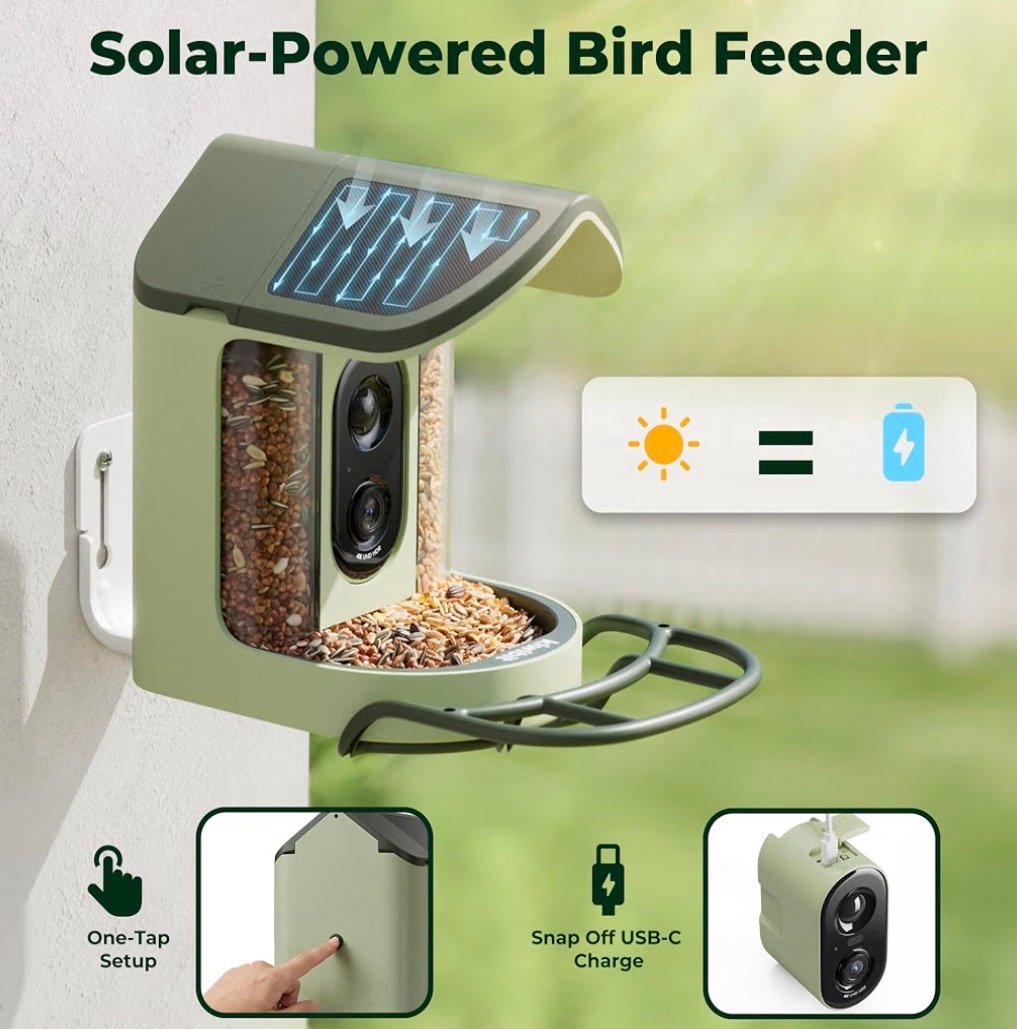
You’re adding another way to see what happens when you aren’t there.
And that’s the feature I think makes smart feeders genuinely interesting.
The 4K Camera Is What Immediately Got My Attention
There are plenty of camera bird feeders available now.
Camera resolution varies considerably between them.
Some are 1080p.
Some are 2K.
Some newer models have moved into 4K.
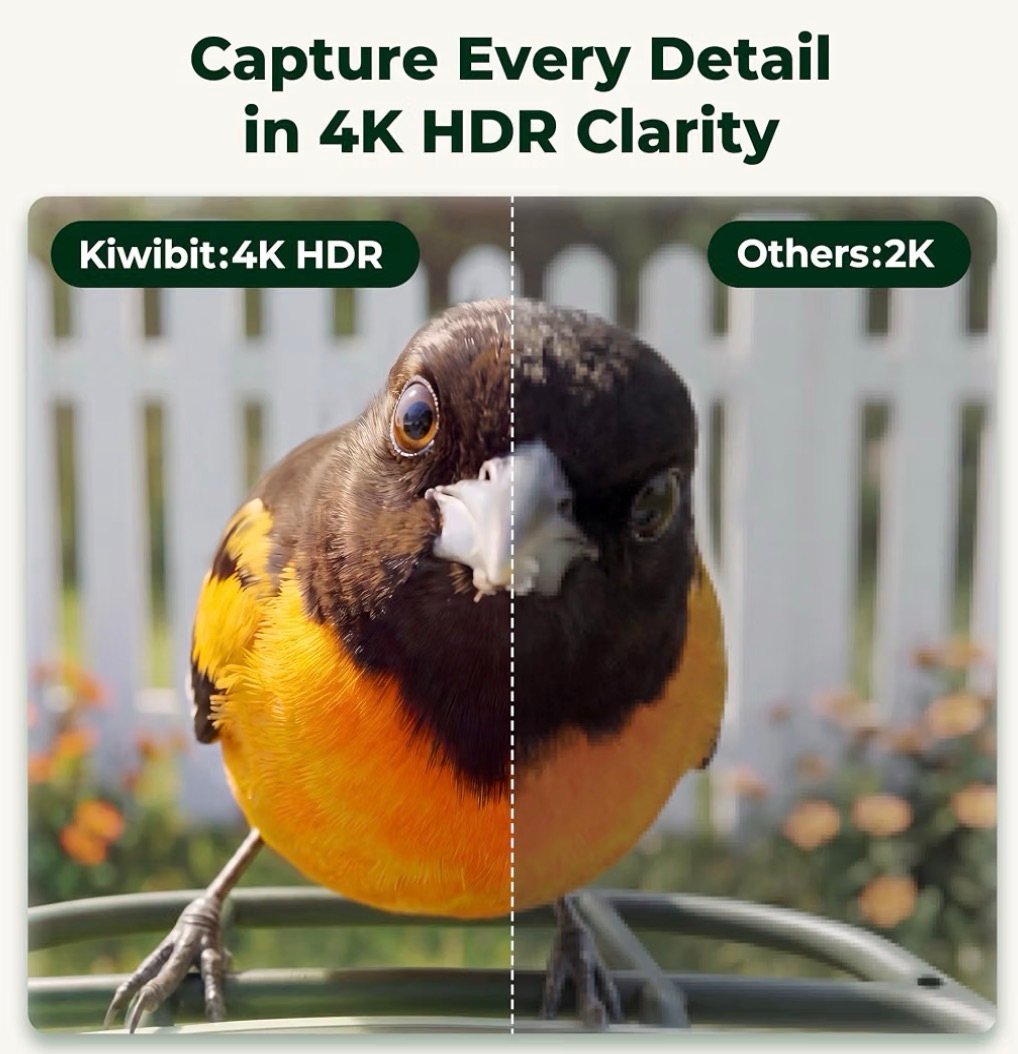
Kiwibit is clearly leaning heavily into image quality with the Smart Bird Feeder 2 Mini. The company advertises true 4K UHD with HDR, along with a wide-angle lens covering the feeding area.
That’s not just useful for getting pretty bird videos.
Better image detail can help with identification.
Think about two small birds that look frustratingly similar.
Wing bars.
Eye rings.
Streaking.
Bill shape.
Small patches of color.
Those details can matter.
Getting a close-up image of the bird sitting just inches from the camera can give you identification clues you might completely miss watching from the kitchen window.
It Can Capture Slow-Motion Bird Video Too
This is one of the features I think people may underestimate.
Kiwibit advertises 1080p video at 60 frames per second for slow-motion playback on the Mini.
That could produce some seriously fun footage.
A bird lands.
Wings spread.
Feet reach toward the perch.
Feathers flare.
Another bird comes in and the first one takes off.
Those movements happen ridiculously fast in real life.
Slow them down and suddenly you’re watching details your eyes normally don’t have time to process.
I wouldn’t buy an entire smart feeder only for slow-motion footage.
But once the camera is already there, it’s a feature I’d absolutely use.
The AI Tries to Tell You Which Bird Just Arrived
This is probably the feature that will hook newer backyard birdwatchers.
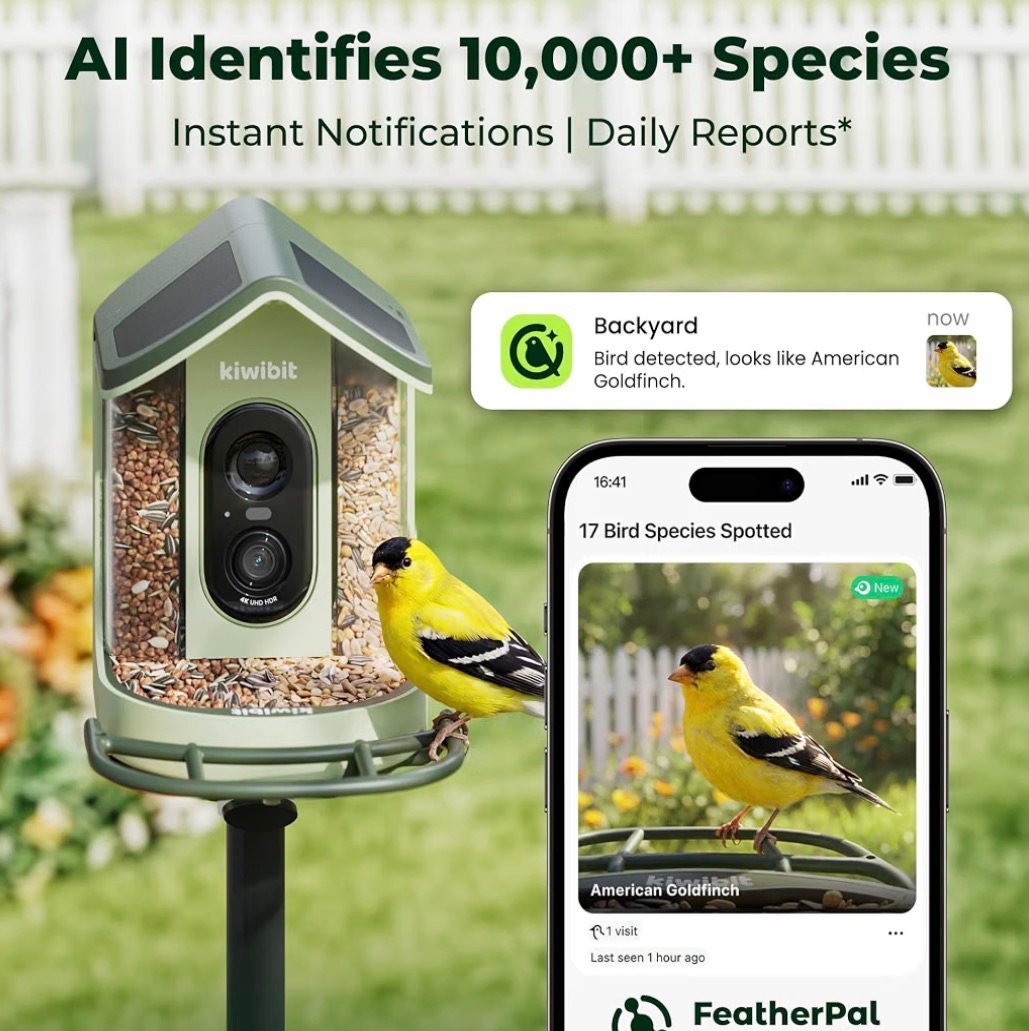
Kiwibit says its AI system can recognize more than 10,000 bird species.
A bird arrives.
The camera captures it.
The software analyzes the bird and attempts to identify the species.
For someone who’s just beginning to learn backyard birds, that sounds fantastic.
And it can be.
But here’s where I want BirdResource.com readers to understand something important.
I would treat AI identification as a very useful suggestion, not an unquestionable identification expert.
Bird identification can get surprisingly difficult.
Juveniles look different from adults.
Males and females can look different.
Molting birds can look bizarre.
Lighting changes colors.
Closely related species can be extremely similar.
The camera may capture a terrible angle.
So I’d use the AI identification and then verify unfamiliar birds using field marks.
That’s actually part of the fun.
The feeder tells you:
“I think this is a…”
Then you start investigating.
This Could Be an Incredible Tool for Learning Backyard Birds
This is where I think a smart feeder becomes much more than a camera.
Imagine you’ve never paid much attention to birds.
You recognize:
Cardinal.
Blue jay.
Robin.
Maybe a chickadee.
That’s about it.
Then you install this feeder.
Suddenly you’re receiving close-up pictures of birds you never realized were visiting your yard.
You start noticing differences.
That finch has streaking underneath.
That sparrow has a different head pattern.
That woodpecker has a certain patch of color.
That cardinal has a dark bill because it’s young.
You start asking questions.
And that’s how somebody goes from casually putting birdseed outside to actually becoming interested in bird identification.
This Is Exactly the Kind of Feeder I’d Use With Kids
I think this could be especially fun for families.
Traditional birdwatching requires patience.
That’s wonderful, but convincing a kid to quietly stare at an empty feeder for 35 minutes waiting for something to happen isn’t always easy.
A smart feeder changes the interaction.
The bird comes to you.
You get an alert.
You open the app.
Now there’s a close-up bird on the screen.
What is it?
Male or female?
Adult or juvenile?
Have we seen this species before?
Does it live here year-round?
Suddenly backyard birds become something the family can actively discover together.
For the right kid, that could open the door to a lifelong interest in wildlife.
Solar Power Makes a Lot of Sense on a Bird Feeder
I don’t want another outdoor device constantly coming inside to charge.
That’s why solar charging makes sense here.
The Smart Bird Feeder 2 Mini uses a built-in solar panel to help maintain its rechargeable battery. The current Mini specifications list a 1.8-watt solar panel.
Of course, solar performance depends on conditions.
Shade matters.
Cloud cover matters.
Where you mount the feeder matters.
How frequently the camera activates matters.
I wouldn’t interpret “solar powered” as meaning the laws of electricity suddenly stop applying.
But having the feeder continuously collecting some energy outside is much more convenient than designing the entire system around frequent manual charging.
Where You Install It Will Matter
This is one of those things I’d think about before buying.
You’re dealing with both a bird feeder and a connected camera.
The birds need to like the location.
The solar panel needs useful light.
And the camera needs Wi-Fi.
The current Mini specifications say it connects through 2.4 GHz Wi-Fi.
That means I’d check Wi-Fi strength around the intended feeder location before mounting anything permanently.
Take your phone outside.
Walk toward the spot.
See what your connection looks like.
A beautiful feeder location 200 feet behind the house isn’t particularly useful if the smart portion of your smart feeder can’t maintain a reliable connection.
2.4 GHz Wi-Fi Isn’t Necessarily a Bad Thing
Some people see 2.4 GHz and immediately think:
Old technology.
But outdoor smart devices often use it for a practical reason.
2.4 GHz generally offers better range and obstacle penetration than higher-frequency Wi-Fi, although speeds are lower.
A bird feeder isn’t streaming three Netflix movies simultaneously.
Range can matter much more.
Still, you’ll want to make sure your home network supports 2.4 GHz connectivity and that the signal reaches your intended feeder location.
This is the kind of boring detail that can determine whether you love a smart product or want to throw it across the yard.
How Much Birdseed Does It Hold?
The Mini currently lists a 1-liter seed container.
That’s an important word in the product name:
Mini.
This isn’t the giant feed station I’d buy because I wanted to dump half a bag of birdseed into something and forget about it.
The smaller size has advantages.
It’s lighter.
More compact.
Easier to place.
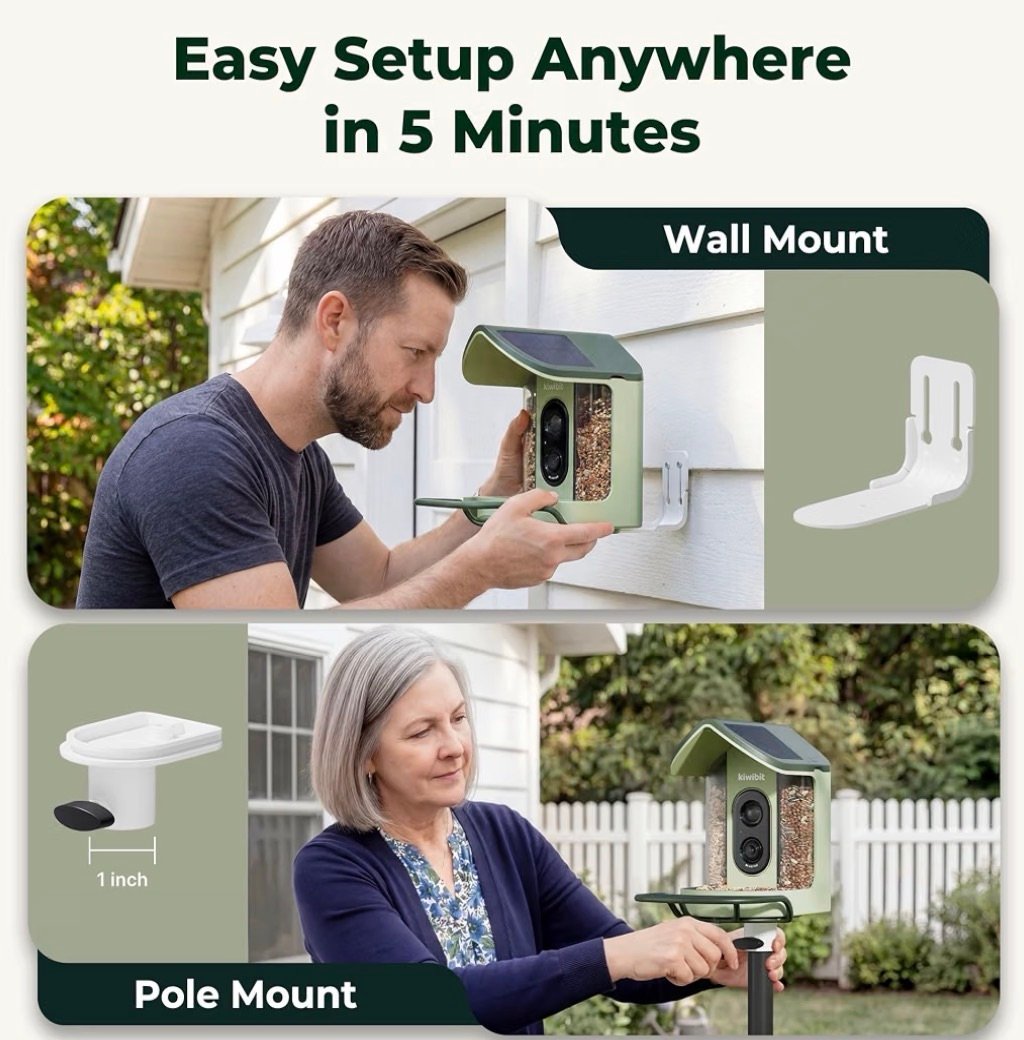
Kiwibit currently lists the Mini at about 2.7 pounds, and the manufacturer says it can be mounted on a wall or pole using the included hardware.
But if your yard has extremely heavy feeder traffic, expect to refill a smaller seed compartment more frequently.
I Actually Like the Removable Camera Idea
Bird feeders get dirty.
There’s no way around that.
Seed hulls.
Dust.
Droppings.
Rain.
Wet seed.
Feathers.
Whatever mystery substance a squirrel manages to leave behind.
So cleaning matters.
The Mini’s camera module is removable, and the seed container is designed for relatively easy filling and cleaning.
That’s a feature I care about much more than some flashy specification buried on the box.
Electronics and bird-feeder cleaning aren’t naturally great partners.
Anything that makes it easier to separate the expensive electronic portion from the dirty feeder portion gets my attention.
Don’t Buy a Smart Feeder and Then Forget About Feeder Hygiene
A camera doesn’t change the basic responsibilities of feeding wild birds.
Old seed still needs to come out.
Wet food still shouldn’t sit around becoming disgusting.
Droppings still need to be cleaned.
The feeding area still needs maintenance.
In some ways, an expensive smart feeder gives me more motivation to maintain it.
If I’m spending real money on something with a 4K camera attached, I’m definitely not letting the seed tray turn into a swamp.
Keep it clean.
Keep the food fresh.
And remember that the bird’s health matters more than getting another cool video.
What Kind of Birds Can Use It?
This is where I wouldn’t pigeonhole the feeder around one species.
Yes, I can absolutely imagine getting gorgeous close-up footage of a Northern Cardinal.
In fact, Kiwibit’s own website currently features a Northern Cardinal at one of its smart feeders.
But the appeal is much broader.
Depending on your location, seed, season, and habitat, you could potentially capture visits from many familiar seed-eating backyard birds.
That’s exactly why I like this as a general BirdResource.com product.
We can talk about it while discussing cardinals today.
Later, the same feeder can make sense when we’re talking about finches, chickadees, sparrows, grosbeaks, titmice, woodpeckers, and backyard bird identification.
You’re not buying a cardinal camera.
You’re buying a little camera station for the entire feeding area.
What Food Would I Put in It?
That depends on which birds you’re trying to attract.
For a broad seed-eating audience, black oil sunflower is difficult to ignore.
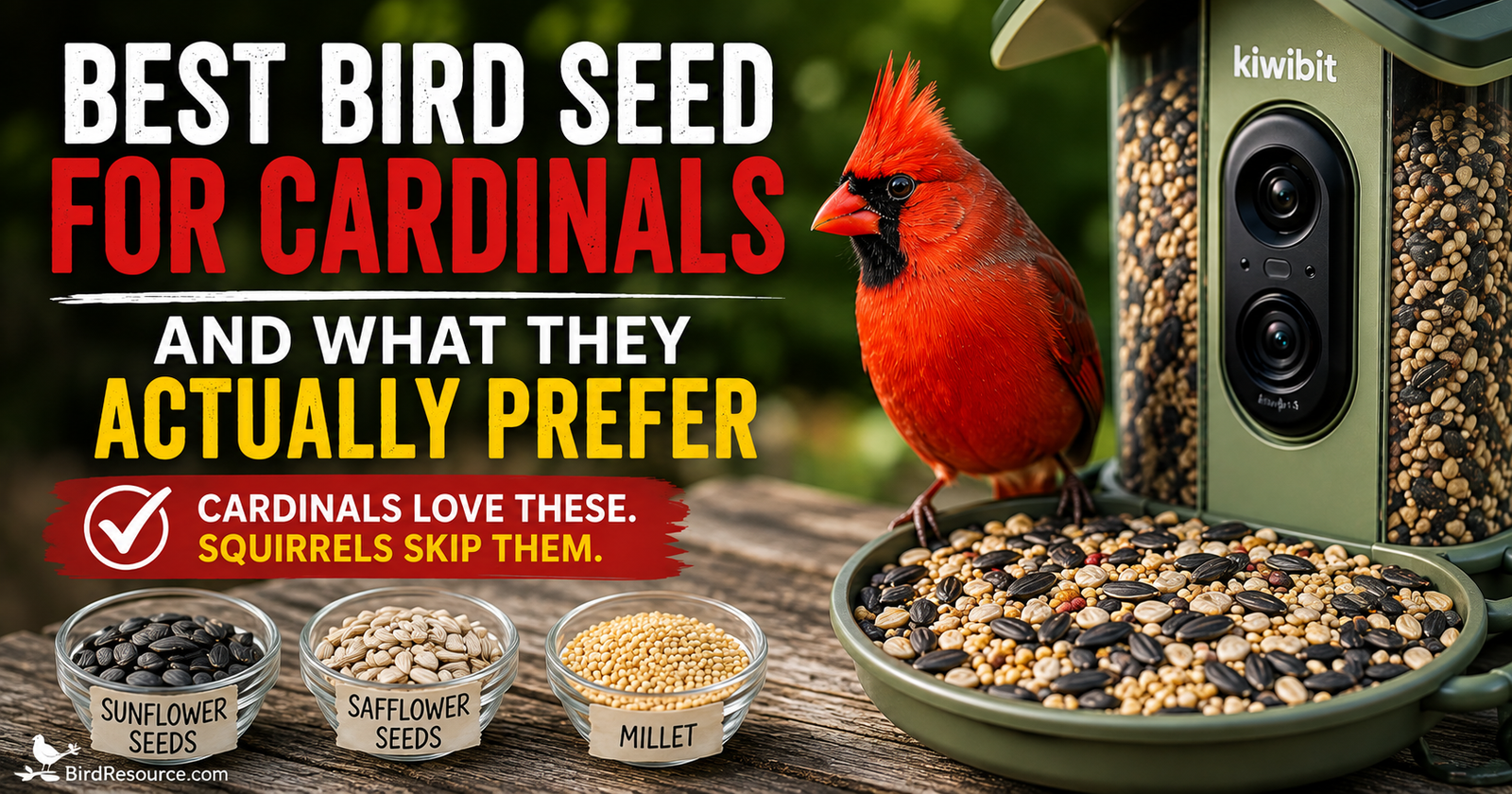
If Northern Cardinals are one of your main targets, safflower is another interesting option. The discussion of cardinal seed choices also considers safflower alongside other foods.

We’ve already looked closely at why I like safflower seed for cardinals, especially in yards where squirrels keep stealing more sunflower seed than the birds eat.
You could also experiment with appropriate blends depending on the species common around your home.
That’s another fun part of having a camera.
Change the food.
Then see whether the visitor list changes.
Now your feeder becomes a tiny backyard experiment.
Imagine Using This to Watch a Cardinal Up Close
This is where the product ties naturally into everything we’ve already built around Northern Cardinals.
You know that huge orange-red bill?
Now imagine it filling half your phone screen while the bird cracks a seed.
You can watch exactly how it manipulates the hull.
You can compare males and females.
You may capture young cardinals and notice their darker bills.
You could watch pair behavior around the feeding area.
You might even begin recognizing repeated behaviors from the cardinals using your yard.
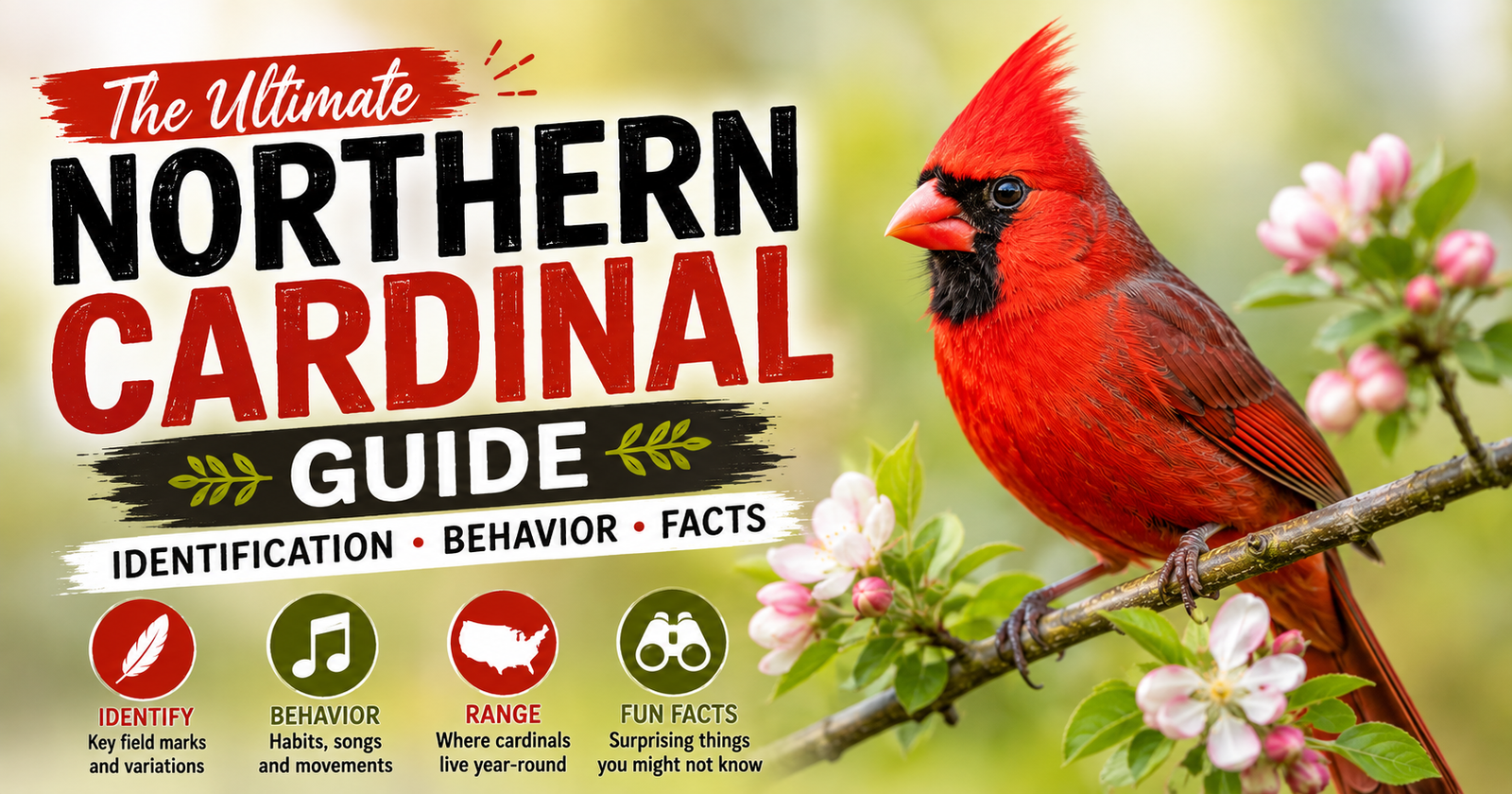
Our Northern Cardinal identification and behavior guide gives you the field marks and behaviors to look for when those birds start appearing on camera.
That’s when a smart feeder becomes more than entertainment.
It gives you something to actually study.
The Live View Might Be My Favorite Everyday Feature
AI sounds impressive.
4K sounds impressive.
Slow motion sounds impressive.
But I think one of the features I’d use most often is simpler:
What’s at my feeder right now?
Kiwibit offers live viewing through its app.
You’re sitting inside.
Open your phone.
Check the feeder.
Maybe there’s nothing.
Maybe there’s a cardinal.
Maybe there’s a bird you’ve never seen before.
That ability to casually peek into the feeding station without walking toward it and potentially scaring everything away is a big part of the appeal.
The Bird Alerts Could Get Addictive
The feeder can notify you when a bird arrives.
I can already imagine how this goes.
First day:
“Oh cool! A cardinal!”
Third day:
“Another chickadee!”
Two weeks later:
“WAIT. WHAT WAS THAT?”
And now you’re zooming into a photograph trying to decide whether you’ve discovered a new species for your yard.
For casual birdwatchers, alerts make the feeder entertaining.
For someone actively trying to document backyard species, they can be genuinely useful.
Can It Really Identify 10,000+ Species?
That’s the manufacturer’s current claim for its AI system.
But remember what that number means.
It means the identification system has a large recognition database.
It doesn’t mean every photograph will produce a flawless identification.
No AI bird-identification system should replace basic verification when the identification matters.
A crisp adult male Northern Cardinal is easy.
A poorly lit juvenile sparrow photographed from a strange angle?
That’s a different challenge.
Use AI as your starting point.
Then look at the actual bird.
That’s how I’d use it.
Is the AI Free?
This is something I would pay attention to before buying because smart-device subscriptions can completely change how I feel about a product.
Kiwibit’s current information says core functionality includes 4K livestreaming and motion alerts without requiring a subscription, while Kiwibit Plus adds features including AI species identification, additional nature information, reports, and cloud storage.
That means I would check the exact Amazon offer you’re purchasing and the current app terms before assuming every advertised AI feature is permanently included at no additional cost. Because this is a commercial product recommendation, readers can review our affiliate and product disclosure policy for more about how affiliate relationships may affect product content.
Plans and bundled offers can change.
That’s especially important with connected products.
The physical feeder may last for years, while software pricing can change much faster.
This Is One of the Biggest Things I’d Check Before Buying
Smart bird feeders aren’t just feeders.
You’re buying into an ecosystem.
Camera.
App.
Cloud features.
AI.
Firmware.
Wi-Fi.
Possibly subscription services.
That’s different from buying a $20 wooden platform feeder.
A wooden feeder doesn’t care whether a company updates its app three years from now.
A smart feeder does.
That doesn’t make smart feeders bad.
It simply means software support becomes part of the purchase.
Is It Weatherproof?
The current Mini specifications list IP65 weather resistance.
IP65 means the enclosure is designed to resist dust and water jets, making it appropriate for outdoor exposure under its intended conditions.
I still wouldn’t intentionally abuse it.
Weather-resistant doesn’t mean:
Throw it into a swimming pool and see what happens.
Mount it properly.
Follow the manufacturer’s instructions.
Keep electrical components intact.
And inspect the feeder periodically.
It’s outdoor electronics.
Treat it accordingly.
Does It Record Birds at Night?
The feeder’s camera system is designed for bird monitoring, but I wouldn’t buy it primarily because I expected an incredible parade of nighttime songbirds.
Most of the familiar feeder birds we’re trying to attract are active during daylight.
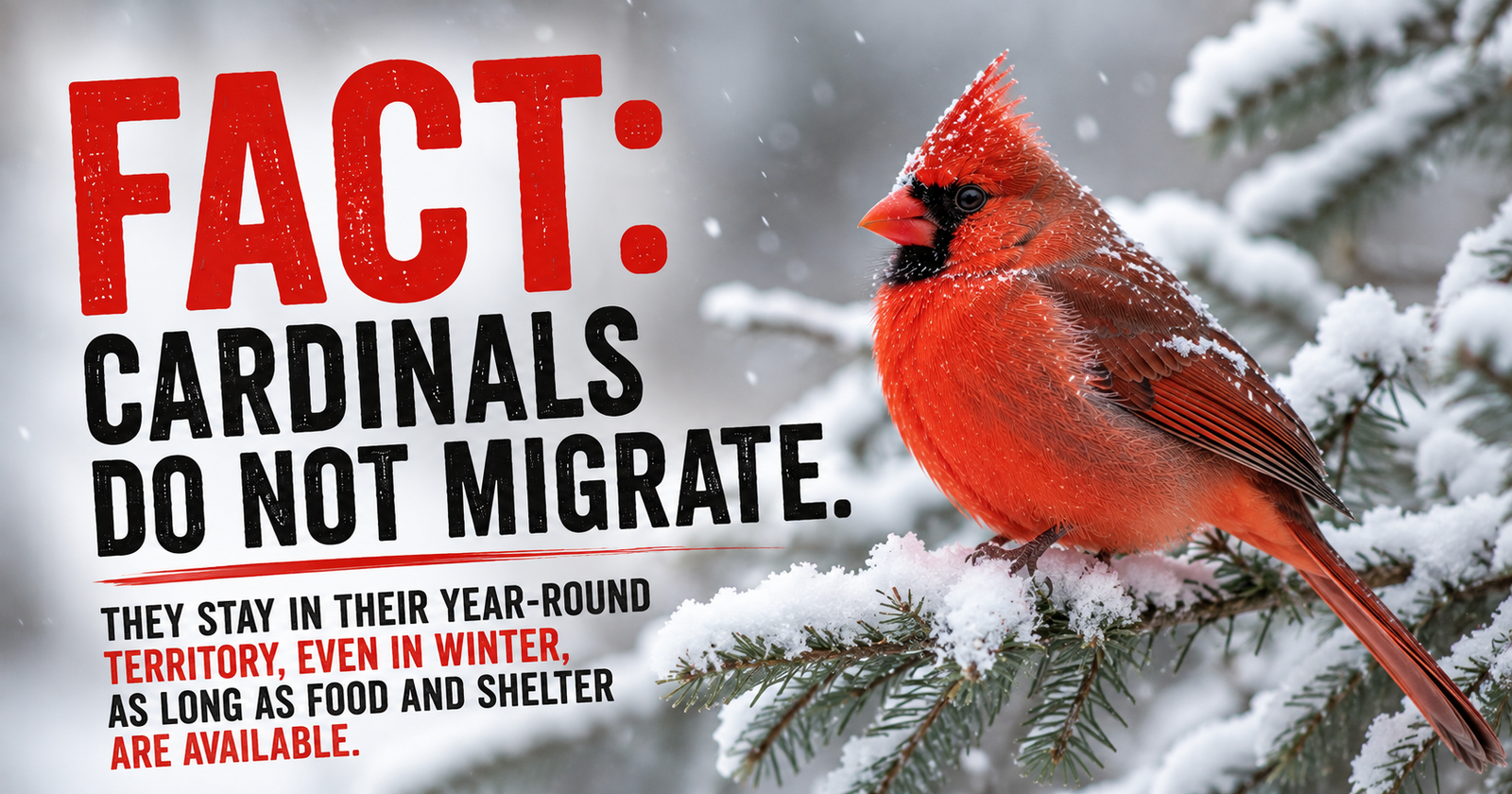
Cardinals, for example, settle into protected roosts at night rather than continuing normal feeder activity. Their seasonal movements and winter habits are explained in cardinal winter behavior.
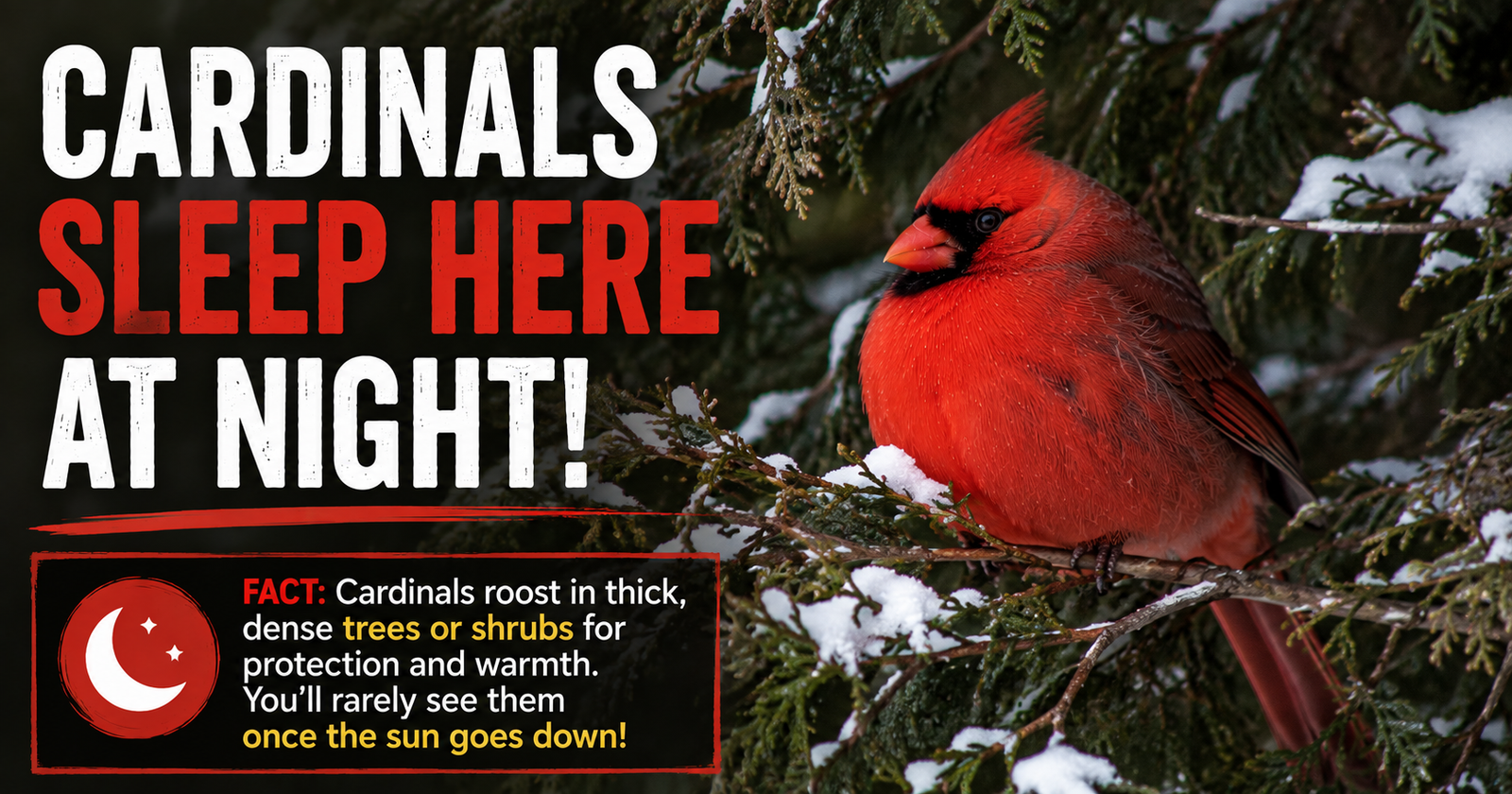
Our guide to where cardinals sleep at night explains why those birds can seemingly disappear as darkness arrives.
The smart feeder becomes much more interesting again around dawn.
That’s when your daytime visitors start showing up.
What I Like About the Kiwibit Smart Bird Feeder 2 Mini
The camera resolution is the obvious standout.
True 4K live video is impressive for a feeder camera, especially when the bird is sitting only a short distance from the lens.
I also like the solar charging.
The compact size makes sense for people who don’t want a massive backyard installation.
The removable camera should make cleaning easier.
AI identification adds an educational element.
Slow motion adds an entertainment and photography element.
And live viewing gives the product everyday usefulness even when you aren’t saving footage.
Most importantly, it could make people pay more attention to the birds already living around them.
That’s a feature I genuinely like.
What I Don’t Like
The first concern is Wi-Fi dependency.
If your intended feeder location has lousy connectivity, many of the smartest features immediately become less useful.
Second, the 1-liter seed capacity isn’t enormous.
Third, I’d want buyers to understand exactly which AI and cloud features are included with their purchase versus which features require Kiwibit Plus.
Fourth, AI identification won’t always be correct.
And finally, smart feeders simply cost more than ordinary bird feeders.
You’re paying for the camera and technology.
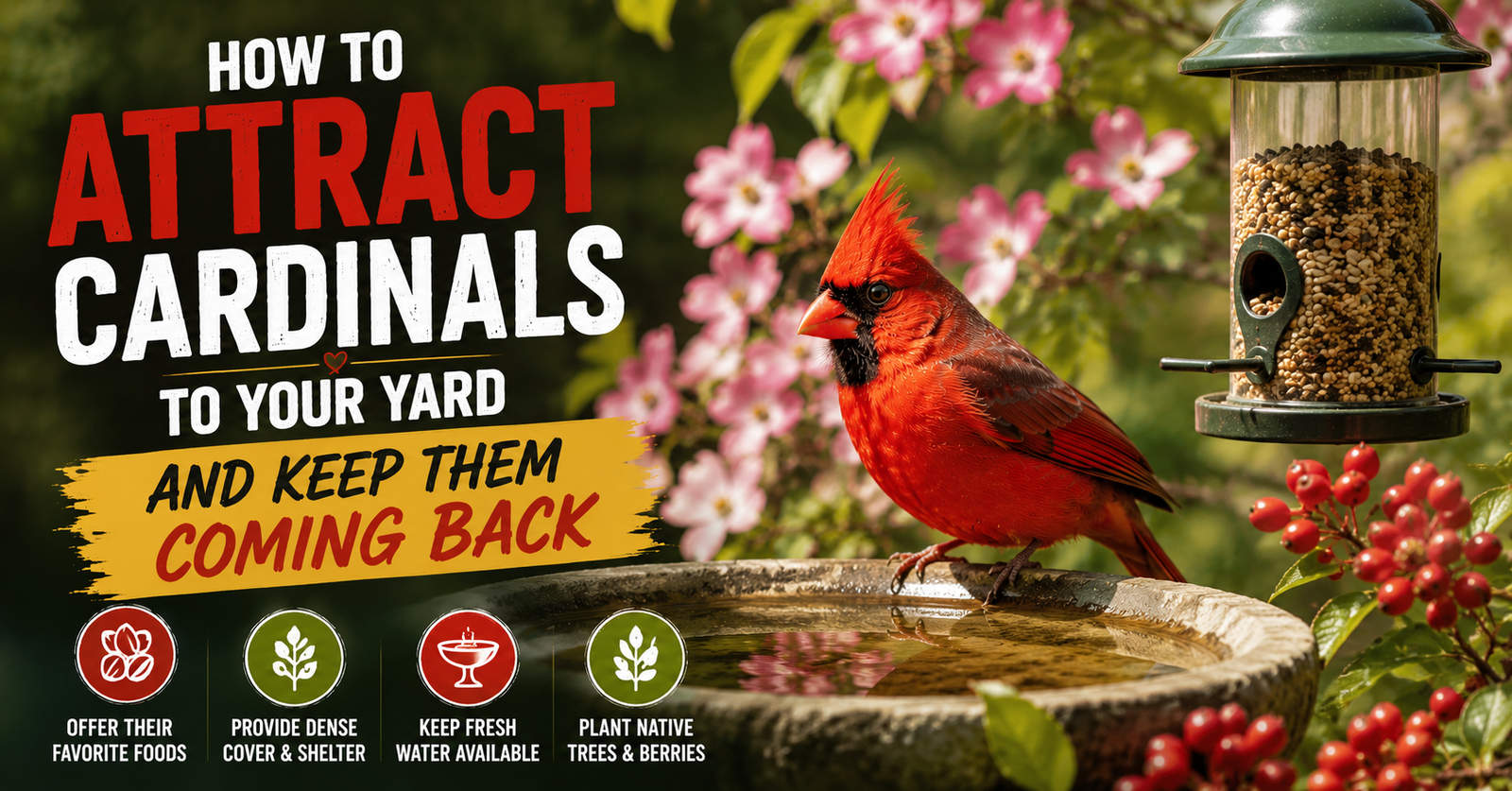
If all you want is somewhere for a cardinal to eat sunflower seed, you don’t need any of this. For the simpler food, water, and habitat approach, see attracting cardinals with the basics.
Who I Think This Feeder Makes the Most Sense For
I think there are several people who could get a lot out of it.
Someone getting serious about backyard bird identification.
Someone who loves bird photography but doesn’t want to sit outside waiting.
Parents or grandparents who want to introduce children to birds.
Someone who works away from home and wants to see what visits during the day.
A bird lover who enjoys gadgets.
Someone trying to build a backyard species list.
And especially someone who simply gets excited when a new bird shows up.
If that’s you, take a closer look at the Kiwibit 4K smart bird feeder on Amazon and check the current offer and included features.
Who Probably Shouldn’t Buy It
If technology annoys you, buy a regular feeder.
Seriously.
There’s nothing wrong with that.
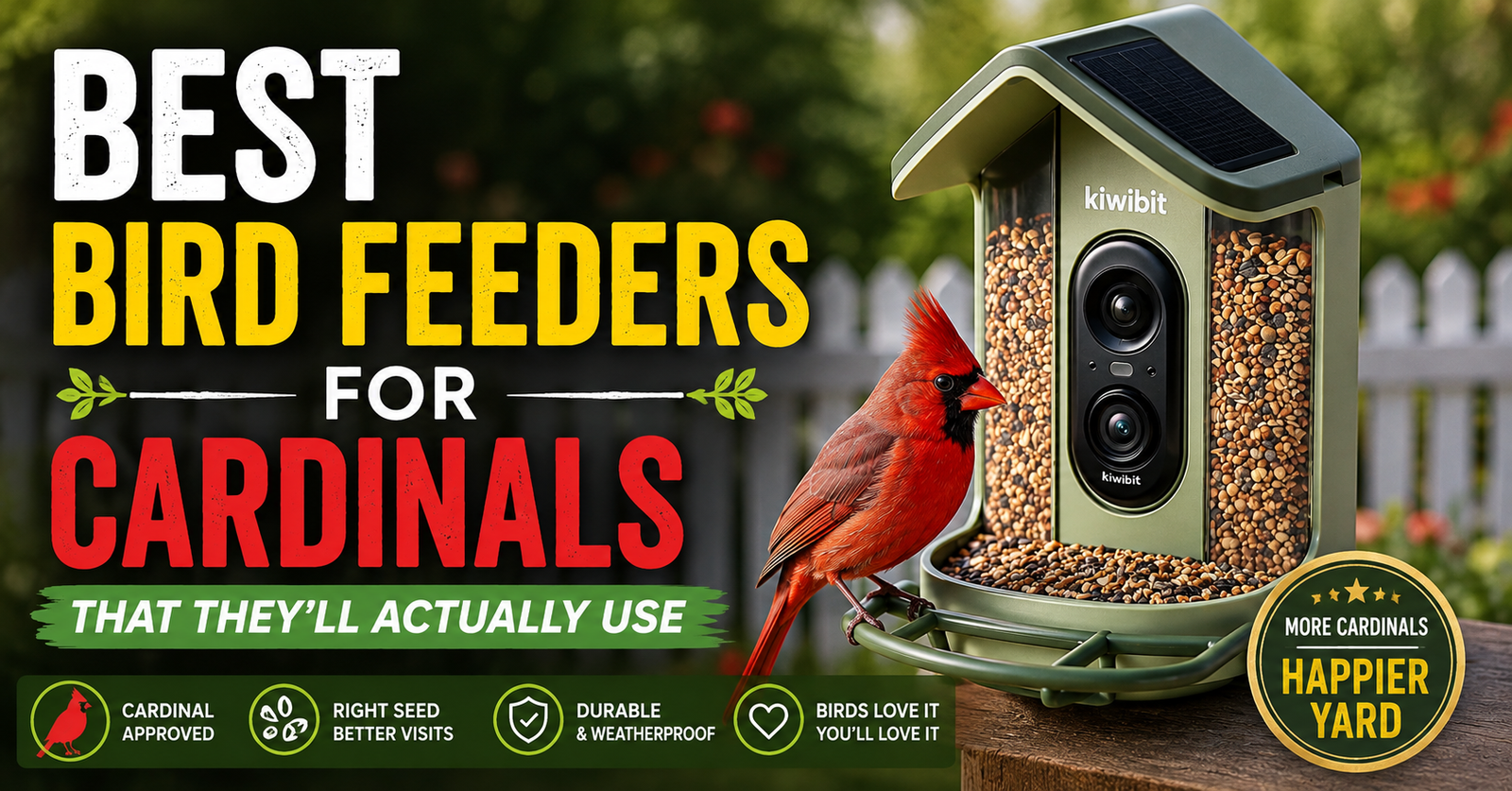
If you don’t want apps, Wi-Fi setup, firmware, notifications, AI identification, or another connected device in your life, you can have an incredible backyard birding experience with a traditional feeder and binoculars. Readers who prefer a simpler setup can compare traditional feeder options designed with cardinals' size and perching habits in mind.
I’d also skip it if the only suitable feeder location on your property is well outside reliable Wi-Fi coverage.
And if your entire budget is going toward attracting birds, I’d prioritize good food, water, habitat, and a quality basic feeder before spending heavily on a camera.
Birds don’t care whether they’re being recorded in 4K.
The 4K is for us.
Would This Make a Good Gift for a Bird Lover?
This might actually be one of the strongest reasons to buy it.
Normal birding gifts can be difficult.
Someone may already have binoculars.
They may already own field guides.
You may have no clue what feeder they use.
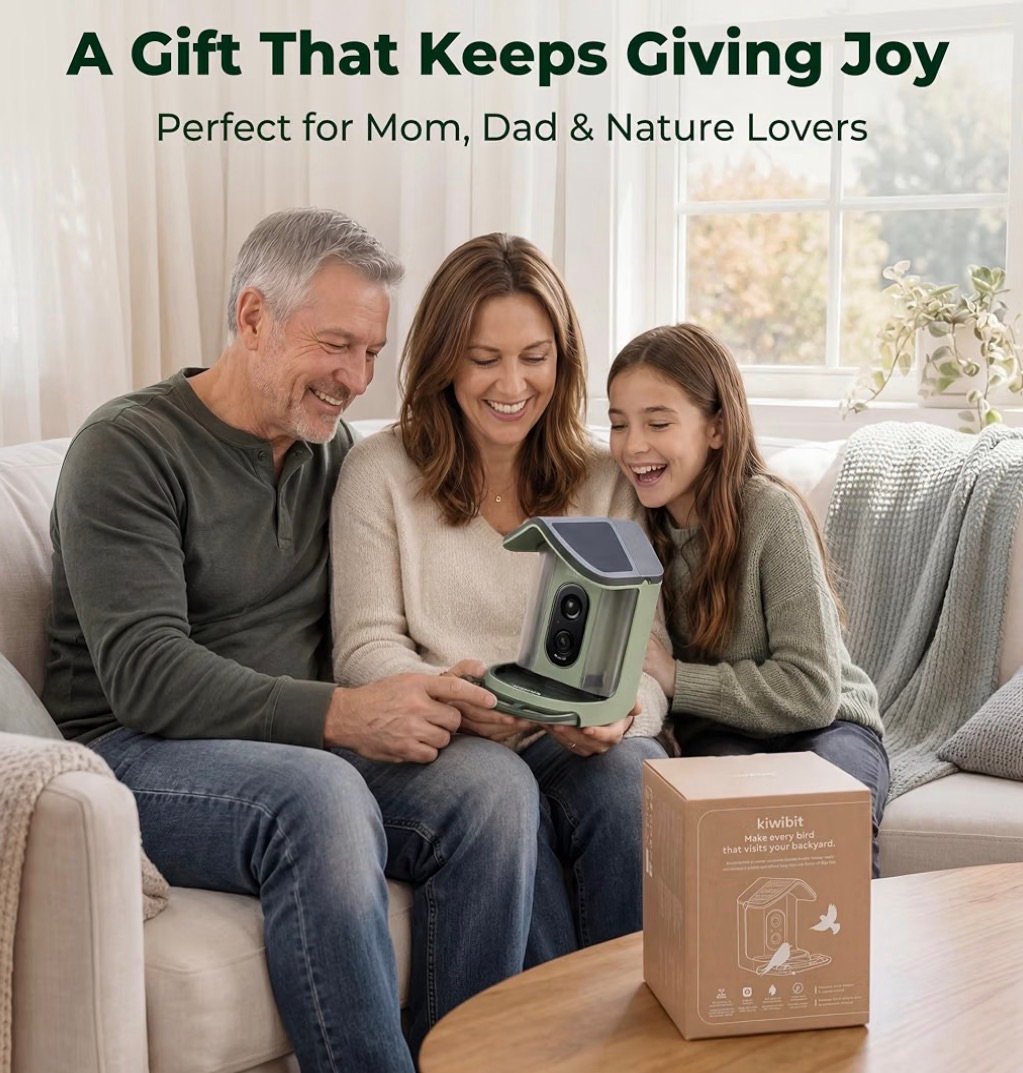
A camera feeder is different enough to feel like an actual gift rather than another bag of birdseed.
The manufacturer specifically positions the Mini as a gift for bird lovers, and owner feedback on the current product listing includes people describing it as a successful Father’s Day gift.
I could see it working especially well for:
Mom or Dad
Grandparents
Retirees
Backyard birdwatchers
Nature photographers
Families with kids
Someone difficult to shop for who loves wildlife
It’s the kind of gift that can keep producing new surprises long after it’s opened.
I Especially Like It as a Gift for Parents and Grandparents
There’s another side to this.
Someone doesn’t necessarily need to go outside every time they want to see the birds.
The feeder comes to the phone.
That’s convenient for anybody, but it could be especially enjoyable for someone who spends a lot of time indoors.
And Kiwibit currently allows feeder access to be shared across multiple family accounts.
That opens up a fun possibility.
Put the feeder at Mom and Dad’s house.
Let other family members see what’s visiting too.
Now a random cardinal showing up becomes something everybody can enjoy.
Could It Help You Identify a Bird You Keep Missing?
Absolutely.
This is one of my favorite practical uses.
We’ve all had this happen.
You see movement.
Bird lands.
You look over.
Gone.
“What was that?”
With a camera sitting at the feeder, you have a much better chance of getting something you can examine afterward.
Look at the bill.
Look at the tail.
Look at wing markings.
Look at eye patterns.
Look at the size compared with the feeder.
Then use the AI suggestion as another clue.
That’s much easier than trying to reconstruct a two-second glimpse from memory.
Don’t Let the AI Do All the Birdwatching for You
This may sound strange in an article recommending a smart feeder, but I mean it.
Don’t stop actually looking at birds.
The fun isn’t collecting AI labels.
It’s learning why the bird is what it is.
If the app says:
Northern Cardinal
look at the image.
Heavy orange-red bill.
Crest.
Long tail.
Black face on an adult male.
Now you’re learning.
Eventually, you won’t need the AI to tell you.
You’ll know.
That’s exactly the kind of bird identification we want to teach throughout BirdResource.com. You can learn more about about Bird Resource's approach and the practical questions behind its guides.
A Smart Feeder Can Show You More Than Species
Don’t become so focused on the name that you miss the behavior.
Watch how different birds land.
Which birds chase others away?
Which species tolerate one another?
Does one cardinal stay longer than another?
How does the bird hold the seed?
Does it carry food away or eat at the feeder?
What time do different species arrive?
Does feeder traffic change with weather?
That’s the stuff I find really interesting.
A camera gives you a window into behavior that you may otherwise miss.
It Could Be Especially Fun During Cardinal Breeding Season
Cardinals give us plenty to watch.
Pair behavior changes.
Territorial behavior increases.
Young birds eventually appear.
Juveniles begin showing up with those darker bills.
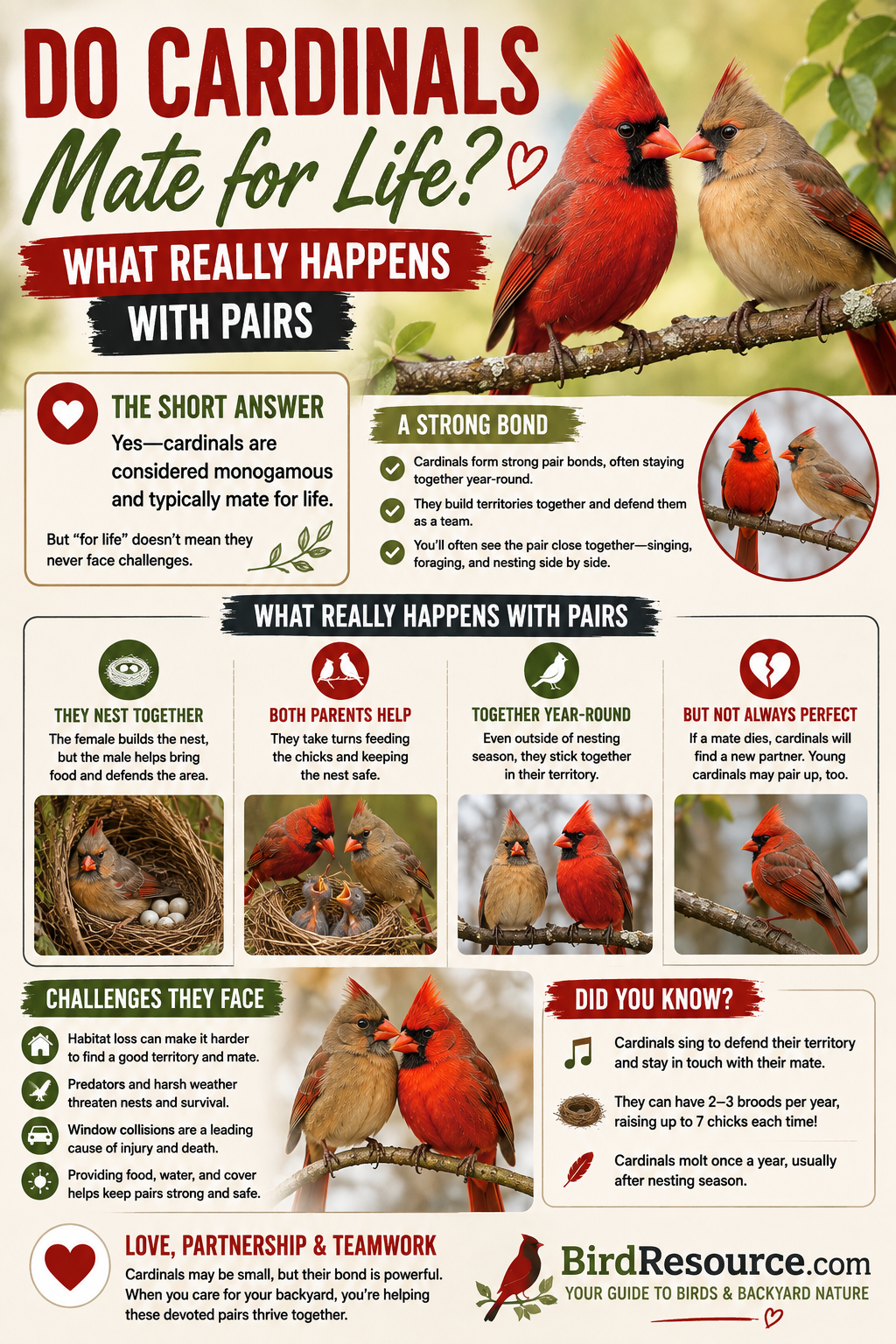
You may even start seeing parents and youngsters using the same feeding area. Those observations can also help you notice parents and youngsters using the same feeding area around a feeder.
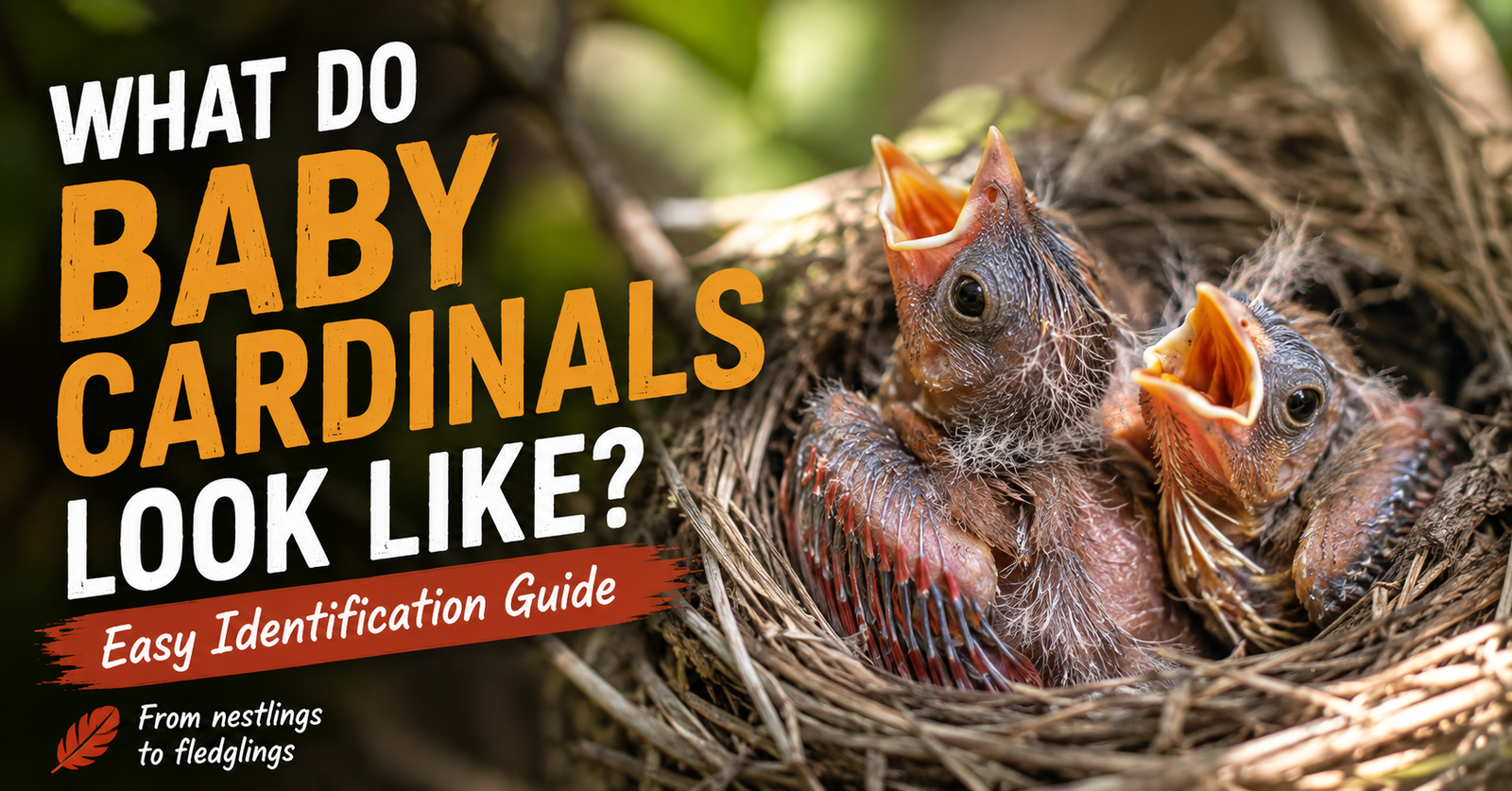
Our guide to what baby cardinals actually look like can help you tell an immature cardinal from an adult female when one unexpectedly appears on camera.
That’s exactly where having saved close-up footage becomes useful.
Instead of saying:
“I saw a weird-looking cardinal yesterday.”
you can actually go back and look.
How I’d Set It Up
I wouldn’t obsess over finding the perfect location on day one.
I’d find a spot with:
Good Wi-Fi
Reasonable sunlight for solar charging
Safe feeder placement
Nearby bird-friendly habitat
A clear approach to the feeding area
Easy access for refilling and cleaning
Then I’d watch.
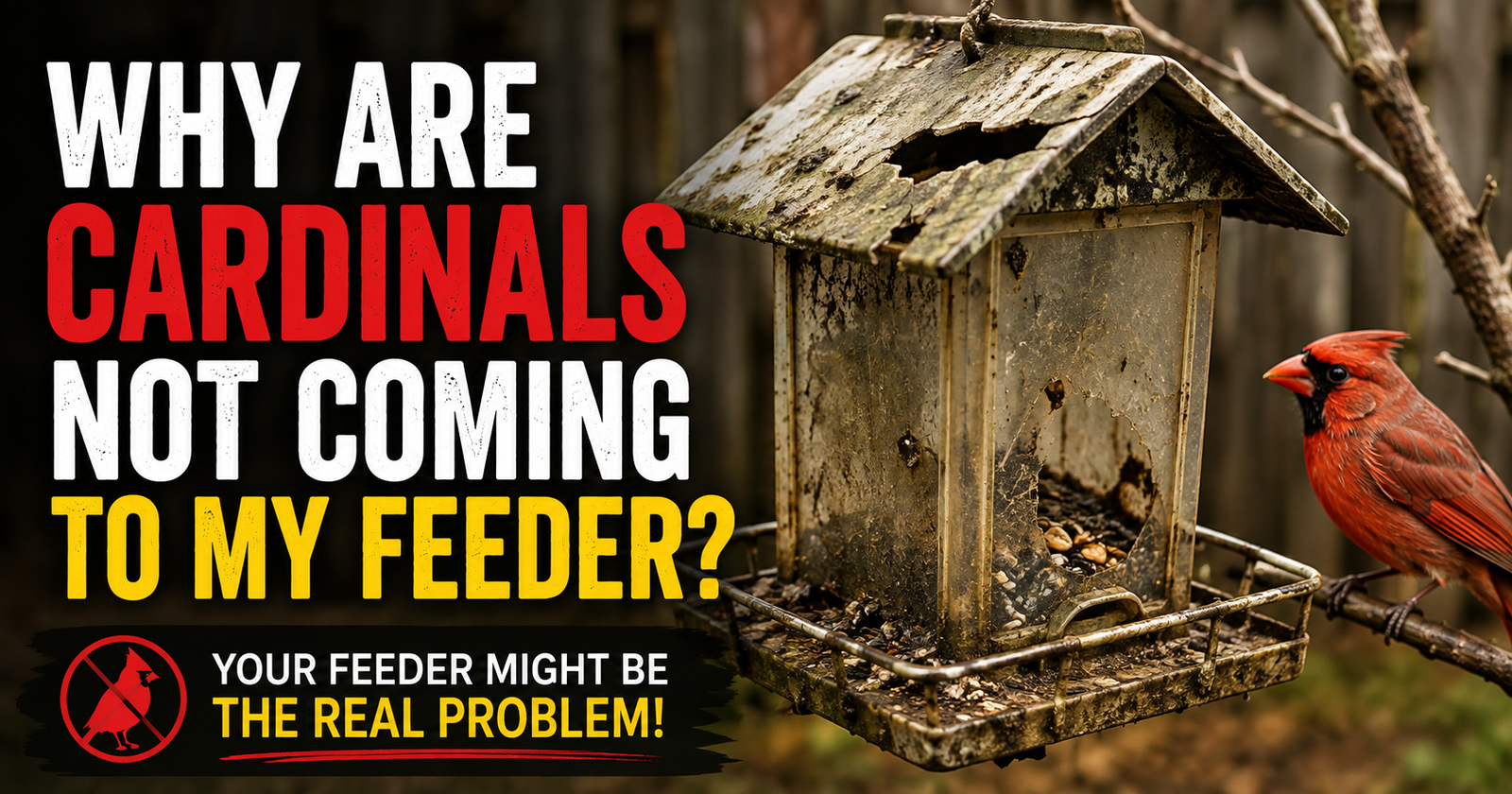
If birds aren’t using it, I’d evaluate the food and location before assuming there’s something wrong with the feeder. If the visitors in question are cardinals, these additional reasons cardinals stop visiting a feeder can help explain the change.
Birds may also need time to become comfortable with a new object.
Give them a chance to discover it.
What I’d Put in It First
I’d probably start simple.
Black oil sunflower seed.
It attracts a broad range of common backyard birds and is especially appealing to Northern Cardinals.
If squirrels became a constant problem, that’s when I’d experiment with safflower.
The nice thing is that we’ve now got a very clean combination for BirdResource.com readers:
A smart feeder lets you see who’s visiting.
Different seed lets you influence who shows up.
That’s where backyard birding gets really fun.
My Take on the Kiwibit Smart Bird Feeder 2 Mini
I don’t think everyone needs a smart bird feeder.
That’s important.
A regular feeder works perfectly well if your goal is simply feeding birds.
But that’s not really what you’re paying for here.
You’re paying to see what happens at the feeder when you aren’t watching.
You’re paying for close-up 4K video.
You’re paying for alerts.
You’re paying for slow-motion footage.
You’re paying for AI assistance.
You’re paying for the ability to open your phone and see which bird just landed outside.
And for somebody who already enjoys backyard birds, I can see that becoming ridiculously fun.
The Mini’s combination of 4K imaging, solar charging, compact design, removable camera, and AI features makes it one of the more interesting smart feeder setups I’ve looked at.
My biggest caution would be checking the current AI/subscription terms and Wi-Fi requirements before buying.
If those work for you, I think this is the kind of feeder that could turn casual bird feeding into something you check every single day.
See the Kiwibit Smart Bird Feeder 2 Mini and current Amazon offer
Common Questions About the Kiwibit Smart Bird Feeder 2 Mini
Does the Kiwibit Smart Bird Feeder 2 Mini record in 4K?
Yes. The current Mini specifications advertise true 4K UHD video with HDR, along with 1080p 60 FPS slow-motion capability.
Does it identify birds automatically?
Kiwibit offers AI-powered bird identification capable of recognizing more than 10,000 species according to the manufacturer. Some AI functionality is associated with its Kiwibit Plus service, so check the exact current package and terms before purchasing.
Does the bird feeder need Wi-Fi?
Yes. The current Mini uses 2.4 GHz Wi-Fi connectivity, so I’d verify that your signal reaches the place where you intend to install it.
Does it have to be plugged in?
The feeder uses a rechargeable battery along with an integrated solar panel designed to help maintain its charge outdoors.
How much birdseed does it hold?
The Smart Bird Feeder 2 Mini currently lists a 1-liter seed capacity.
Is the Kiwibit feeder waterproof?
The Mini is currently listed with an IP65 weather-resistance rating. I would still install and maintain it according to the manufacturer’s outdoor-use instructions.
Can cardinals use this smart bird feeder?
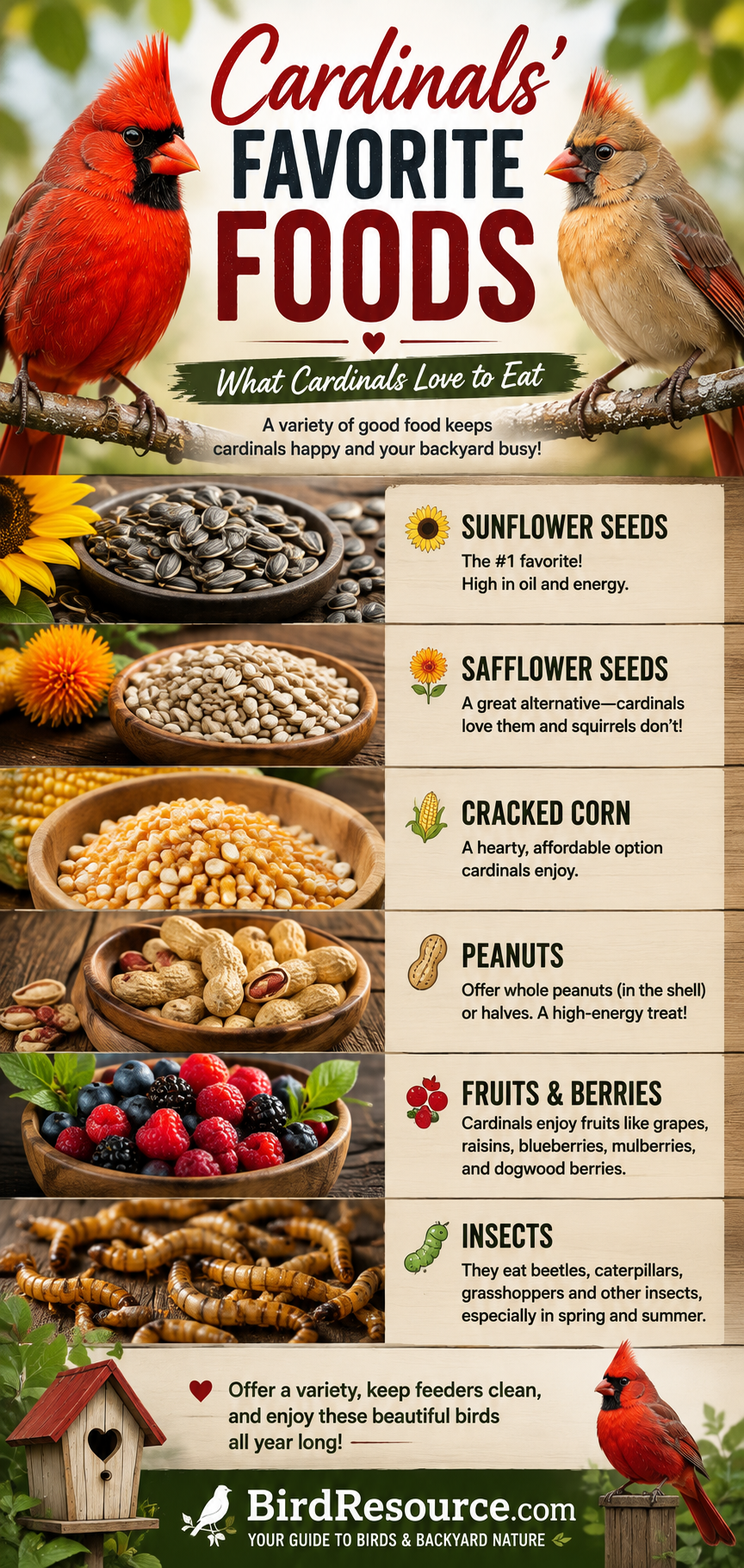
Yes, cardinals can visit this style of seed feeder, and Kiwibit itself shows Northern Cardinals using its smart feeders. The food you offer and habitat surrounding the feeder will strongly influence which species actually visit. Choosing food that matches cardinal feeding habits can make the surrounding habitat more useful to visiting birds.
Can I watch the feeder when I’m not outside?
That’s one of the primary attractions. The system provides live viewing and bird-visit notifications through its app when the feeder has the required network connection.
Is a smart bird feeder worth buying?
If you simply need somewhere to put seed, no. A traditional feeder is much cheaper. A smart feeder becomes worth considering when you value automatic photos and videos, remote viewing, visit alerts, AI identification, or the ability to document birds you otherwise would have missed.
Is this a good gift for someone who likes birds?
I think that’s one of its strongest uses. It’s interactive, continues producing new bird footage after the gift is opened, and doesn’t require the recipient to already be an experienced birdwatcher.
If I were buying it as a gift, I’d probably include a bag of quality birdseed too.
That way they can set it up, fill it, connect the camera, and start waiting for that first notification.
And I have a feeling that first unexpected bird showing up in 4K is when this stops feeling like another gadget and starts becoming a hobby.
Check out the Kiwibit 4K solar smart bird feeder on Amazon
Mason Reed is the Backyard Birding & Gear Contributor for BirdResource.com, where he digs into feeders, bird food, smart birding gear, and practical backyard setups while helping everyday birdwatchers understand the birds showing up outside their homes.